
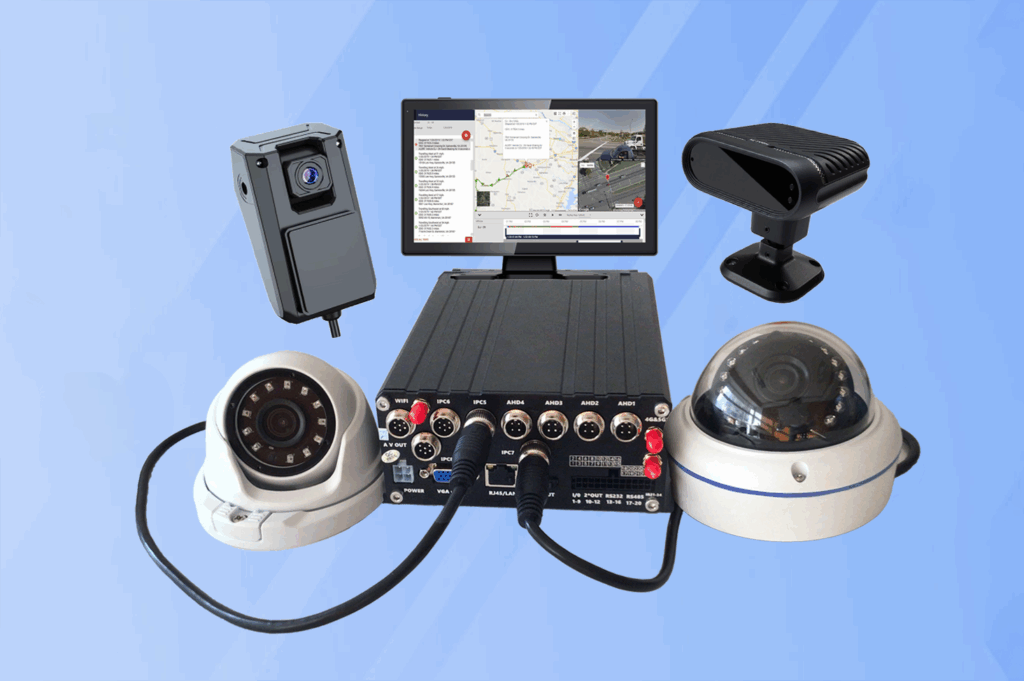
Fleet surveillance systems generate enormous volumes of video data every day. Continuous recording from multiple cameras can quickly consume storage capacity, making it difficult to retain important footage for long periods. To address this challenge, modern vehicle monitoring platforms use event-triggered recording technology that captures and protects footage only when significant events occur.
A hybrid mobile DVR configuration allows fleets to prioritize critical incidents while maintaining efficient storage management. By integrating motion sensors, G-sensors, and intelligent AI triggers, these systems can automatically detect unusual activity and ensure that the most important video segments are securely stored.
This guide explains how to configure event-triggered recording in hybrid mobile DVR systems and how these settings improve operational efficiency, incident documentation, and overall fleet surveillance reliability.
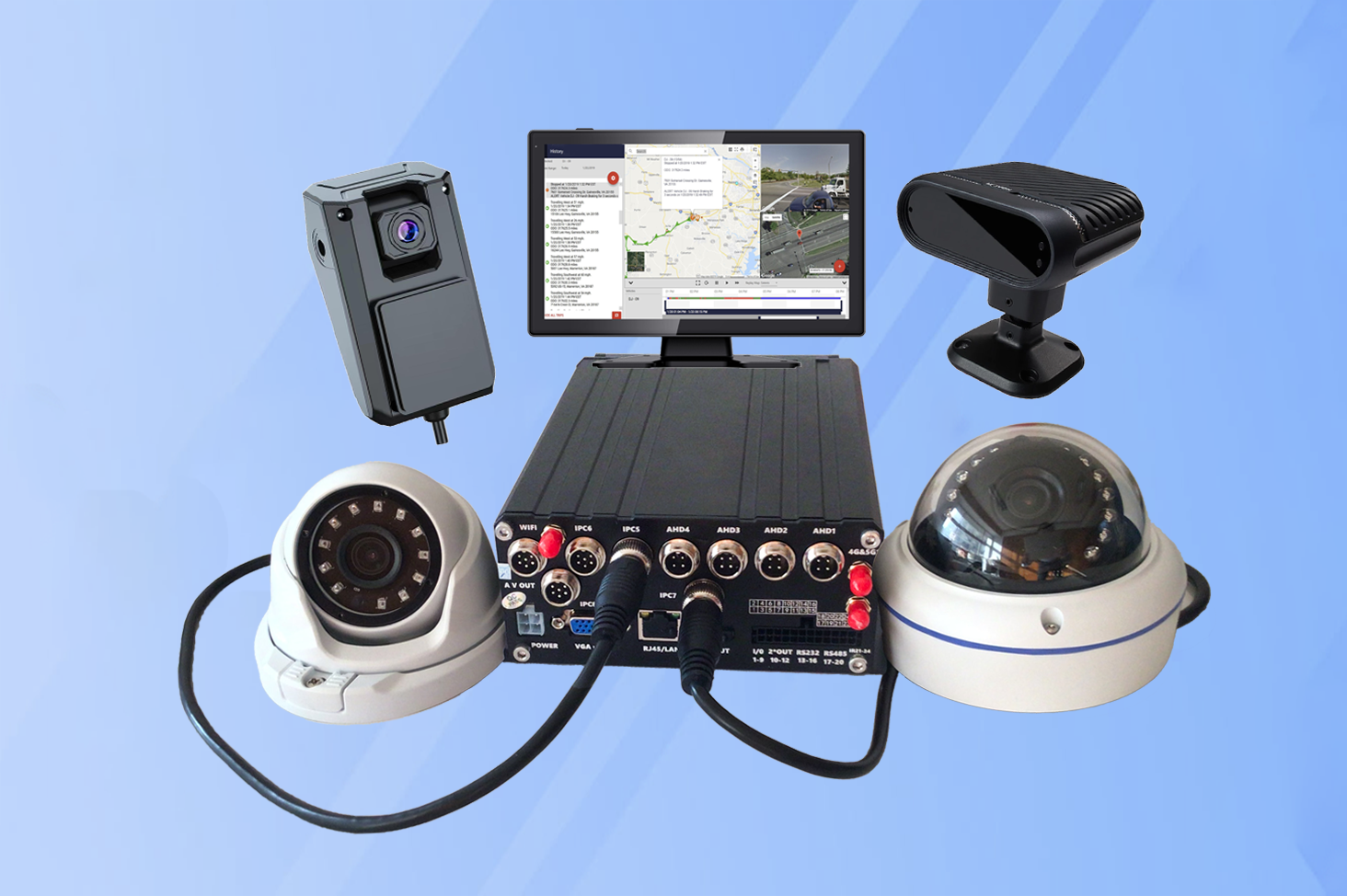
Understanding Event-Triggered Recording
Event-triggered recording is a surveillance feature that automatically activates or protects video recordings when predefined conditions are detected. Instead of storing every second of footage equally, the system prioritizes critical moments such as sudden braking, vehicle impact, or unusual motion around the vehicle.
In a hybrid mobile DVR configuration, event triggers can originate from multiple sources:
- Motion detection from external cameras
- Impact signals detected by G-sensors
- Artificial intelligence video analytics
- Driver monitoring alerts
- Manual trigger buttons inside the vehicle
When one of these triggers occurs, the system immediately marks the related footage as important and prevents it from being overwritten during normal storage cycles.
Preparing the Hybrid MDVR System for Configuration
Before configuring event-triggered recording, it is important to verify that the hybrid DVR hardware and connected sensors are properly installed. A well-structured hybrid mobile DVR configuration ensures that cameras, sensors, and processing modules communicate correctly with the recorder.
Key preparation steps include:
- Confirming that all cameras are connected and functioning
- Verifying that G-sensors and motion sensors are calibrated
- Ensuring adequate storage capacity is available
- Updating system firmware to the latest version
Once the system environment is ready, administrators can proceed with configuring event-based recording settings.
Step 1: Configure Motion Detection for External Cameras
Motion detection is one of the most widely used triggers in vehicle surveillance systems. It allows cameras to identify movement in specific areas and initiate recording automatically.
To enable motion detection within a hybrid mobile DVR configuration, technicians typically perform the following steps:
- Access the DVR system settings interface.
- Select the camera channel that will monitor motion activity.
- Define the motion detectionzone within the camera’s viewing area.
- Adjust sensitivity levels to prevent false alarms.
- Enable event-triggered recording for the selected camera channel.
By configuring motion zones carefully, fleets can monitor vehicle surroundings and detect unauthorized access, cargo interference, or suspicious activity.
Step 2: Calibrate G-Sensors for Impact Detection
G-sensors are designed to detect sudden physical forces such as collisions, harsh braking, or rapid acceleration. These sensors measure changes in vehicle movement and send signals to the recording system when unusual forces are detected.
In a hybrid mobile DVR configuration, G-sensor triggers are essential for capturing accident-related footage. To configure G-sensor triggers effectively:
- Access the system’s sensor configuration panel.
- Enable the G-sensor recording trigger.
- Adjust sensitivity thresholds for X, Y, and Z axes.
- Configure pre-event and post-event recording duration.
- Save the settings and test the trigger response.
Proper calibration ensures that the system captures meaningful events without triggering unnecessary recordings caused by minor road vibrations.
Step 3: Enable AI-Based Event Detection
Modern hybrid MDVR systems incorporate artificial intelligence algorithms capable of analyzing camera footage in real time. These AI features can identify safety-related events such as distracted driving, lane departure, or unsafe following distances.
Within a hybrid mobile DVR configuration, AI triggers can automatically activate event recording when specific behaviors or environmental conditions are detected.
Typical AI trigger configuration steps include:
- Activating AI monitoring modules within the system software.
- Selecting event categories to monitor, such as driver distraction or lane departure.
- Setting detection sensitivity levels.
- Linking AI alerts to recording protection rules.
- Testing the detection system to confirm accuracy.
AI-powered triggers provide an additional layer of automation, allowing fleets to capture important safety events without manual intervention.
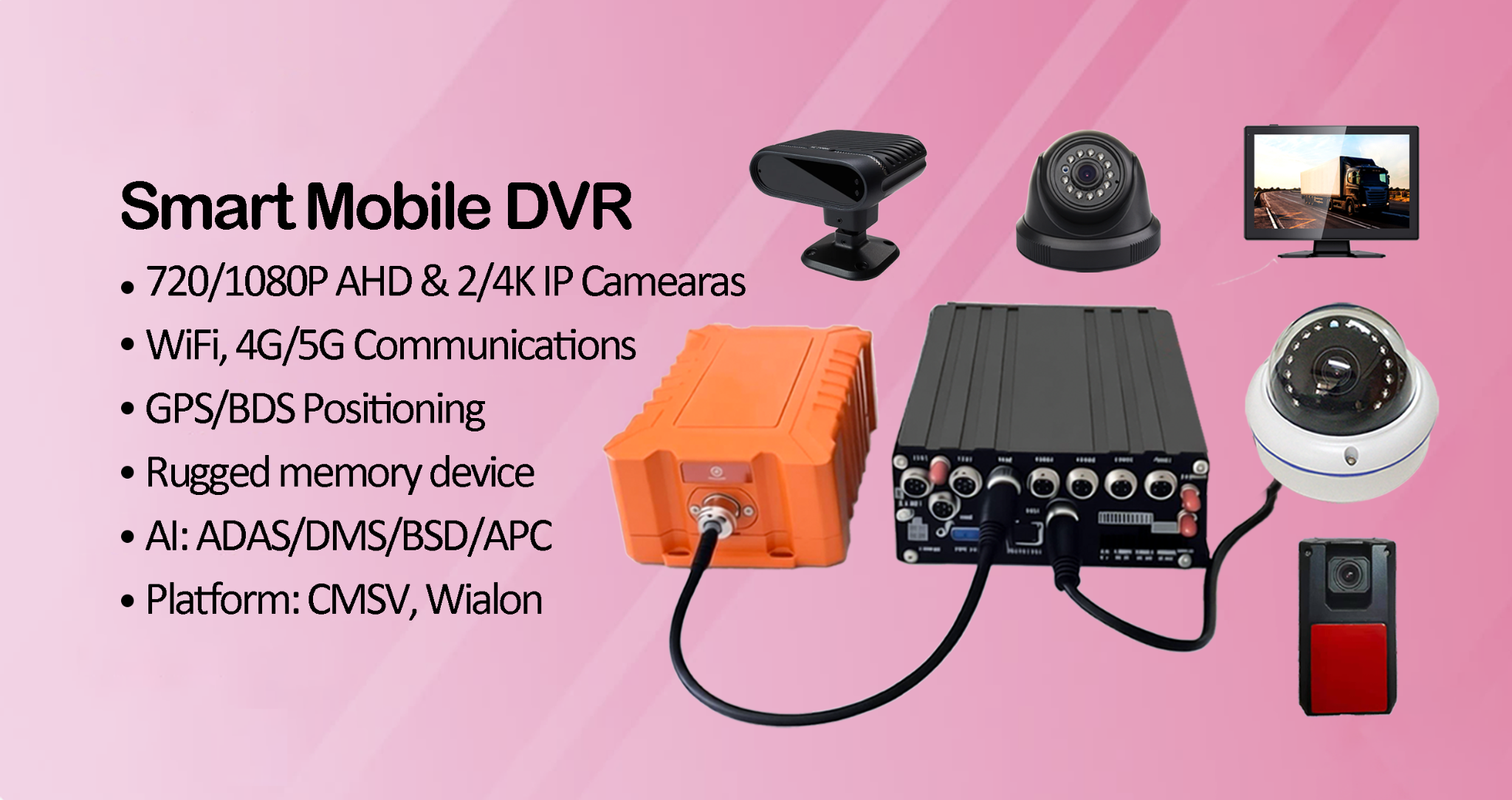
Step 4: Configure Pre-Event and Post-Event Recording
One important aspect of event-triggered recording is capturing video footage before and after the triggering event. This provides valuable context for incident analysis.
In a well-designed hybrid mobile DVR configuration, administrators can define recording buffers that capture footage surrounding the event.
Typical settings include:
- Pre-event recording of 10–30 seconds
- Post-event recording of 30–60 seconds
- Automatic protection of event video files
These settings ensure that investigators can review the full sequence of events leading up to and following an incident.
Step 5: Prioritize Event Storage
Event-triggered recordings must be stored in a way that prevents them from being overwritten by routine recordings. Hybrid DVR systems usually include storage priority mechanisms for this purpose.
During hybrid mobile DVR configuration, technicians assign protected storage categories to event recordings. This means that when storage capacity becomes limited, regular recordings may be overwritten, but event-related files remain preserved.
This prioritization ensures that accident footage, safety alerts, and other critical events remain available for later review.
Step 6: Test the Configuration
After completing the configuration process, the system should be tested thoroughly to confirm that all triggers function correctly.
Testing procedures often include:
- Simulating motion in monitored camera zones
- Performing controlled vehicle braking tests
- Activating manual trigger buttons
- Reviewing recorded event files for accuracy
Testing verifies that the hybrid mobile DVR configuration captures events reliably and stores footage according to system rules.
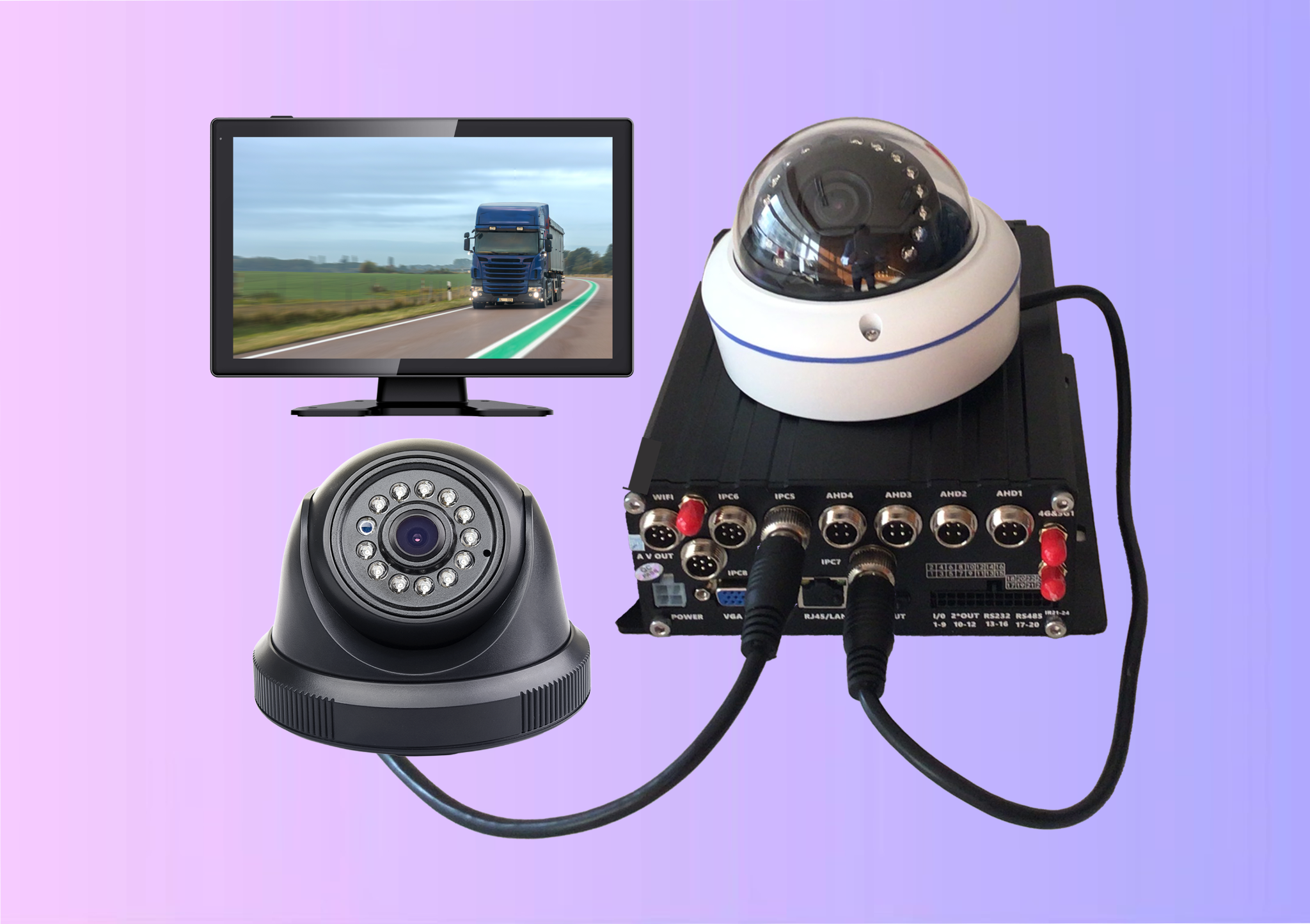
Advantages of Event-Triggered Recording
Event-triggered recording provides several operational benefits for fleet surveillance systems.
- Efficient Storage Management:By recording events selectively, fleets can extend storage capacity and retain footage for longer periods.
- Improved Incident Documentation:Critical events such as accidents or safety violations are automatically recorded and preserved.
- Reduced Review Time:Fleet managers can focus on reviewing event recordings instead of scanning hours of routine footage.
- Enhanced Safety Monitoring:Automated event detection allows operators to identify safety risks and improve driver performance.
The Role of Hybrid MDVR Systems in Intelligent Fleet Surveillance
As fleet surveillance technology continues to evolve, event-triggered recording has become a fundamental feature of modern vehicle monitoring systems. Hybrid DVR platforms combine multiple detection technologies to create a comprehensive monitoring solution.
By integrating motion sensors, impact detection, and AI-based analytics, a properly configured hybrid mobile DVR configuration enables fleets to capture the most important moments while maintaining efficient system performance.
These capabilities help transportation organizations improve operational safety, enhance incident documentation, and maintain reliable surveillance across their entire fleet.
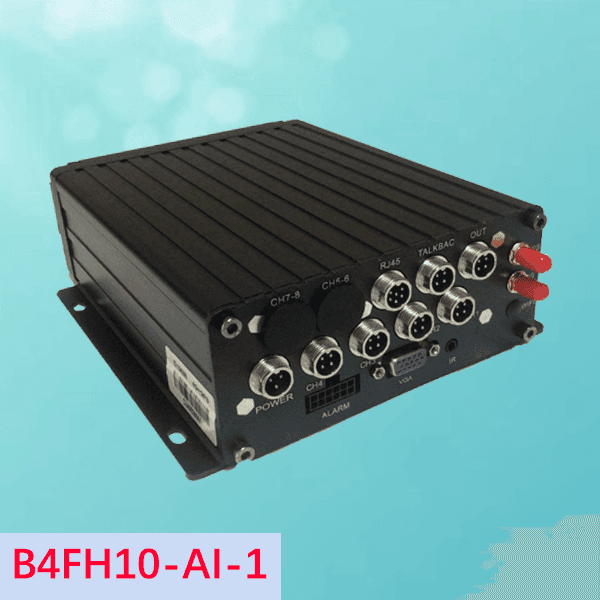
Organizations seeking dependable event-based recording solutions can benefit from the advanced technologies developed by MacFaith Co., Ltd. Our team designs systems optimized for efficient hybrid mobile DVR configuration, supporting high-performance monitoring. Our in-vehicle camera monitoring systems combine AHD cameras with mobile DVR systems and optional rugged memory devices, resulting in solutions that help fleets capture important events while maintaining efficient storage and long-term surveillance reliability. We also recently introduced hybrid mobile DVRs to enhance surveillance for fleets everywhere.
Contact us.